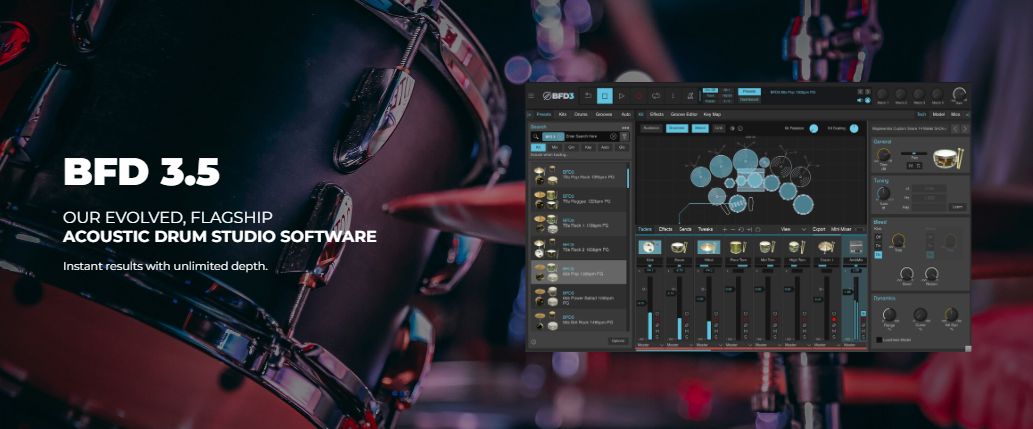
Due to BFD3 and BFD Player's differences in structure and functionality, utilizing BFD 3 expansions in BFD Player or vice versa is not possible. Each expansion is tailored specifically for its respective platform and is not cross-compatible.
TABLE OF CONTENTS
- How to install your BFD3 or BFD Player Expansion?
- Where can I buy Expansions?
- What can I do if I purchase an Expansion not compatible with my version of BFD?
How to install your BFD3 or BFD Player Expansion?
If unsure on how to install and access your expansions, please follow the links below to each of our dedicated installation guides:
- BFD3: How to Install & Authorize my BFD3 Expansion
- BFD Player: How to Add and Load Your Expansion Content
Where can I buy Expansions?
Typically includes drum kit pieces, full kits, presets, and/or groove templates, or any combination of those elements.
You can explore and purchase BFD3 expansions - [Here]
Includes MIDI performances captured by live drummers for use within BFD 3's groove engine, and can include curated BFD 3 Presets utilizing the BFD Core Library. Please note - No audio content is included in Groove Packs
Groove Packs are available for purchase - [Here]
Includes drum kit pieces, presets, and additional grooves to use within BFD Player.
BFD Player expansions are available for purchase - [Here]
What can I do if I purchase an Expansion not compatible with my version of BFD?
Should users have accidentally purchased expansions for the wrong platform, we understand and offer assistance through our refund policy. For more information regarding our refund policy, please visit [Refund Policy]
We're committed to ensuring our users have the best experience with our products. Feel free to reach out to BFD support if further assistance is needed.
Was this article helpful?
That’s Great!
Thank you for your feedback
Sorry! We couldn't be helpful
Thank you for your feedback
Feedback sent
We appreciate your effort and will try to fix the article